




- What's Actually Happening to Google Search?
- The Two Big AI Features You Need to Know
- How Does AI Search Actually Work?
- Everything About Big December 2025 Update: What Happened?
- How Search Intent Is Changing?
- What does this mean?
- Which Industries Are Most Affected?
- How to Win in AI Search: Your 2026 Playbook
- What's Coming Next: The Future of Search
- Conclusion: What This Means for You?
Google AI search has changed. A lot.
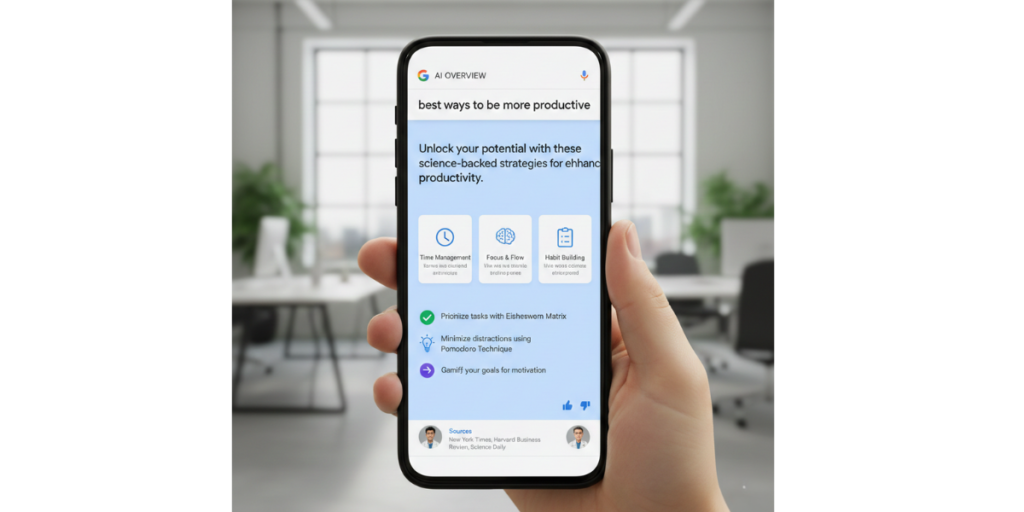
Remember when you typed something into Google and got a page full of blue links? Those days are fading fast. Now, Google uses AI to give you answers right on the search page. No clicking needed.
This is huge news for anyone with a website. Let’s break down what’s happening, how new AI is changing search, and what you can do about ai visibility.
What’s Actually Happening to Google Search?
Google is going through its biggest change in over a decade. Instead of just finding web pages for you, it now reads those pages and writes answers for you.
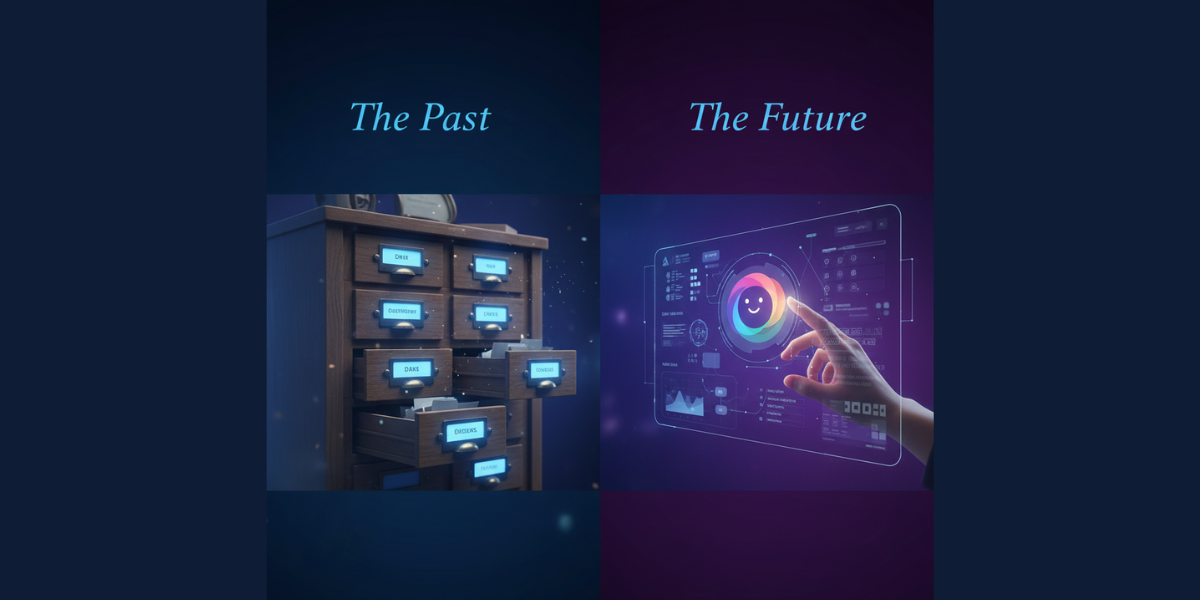
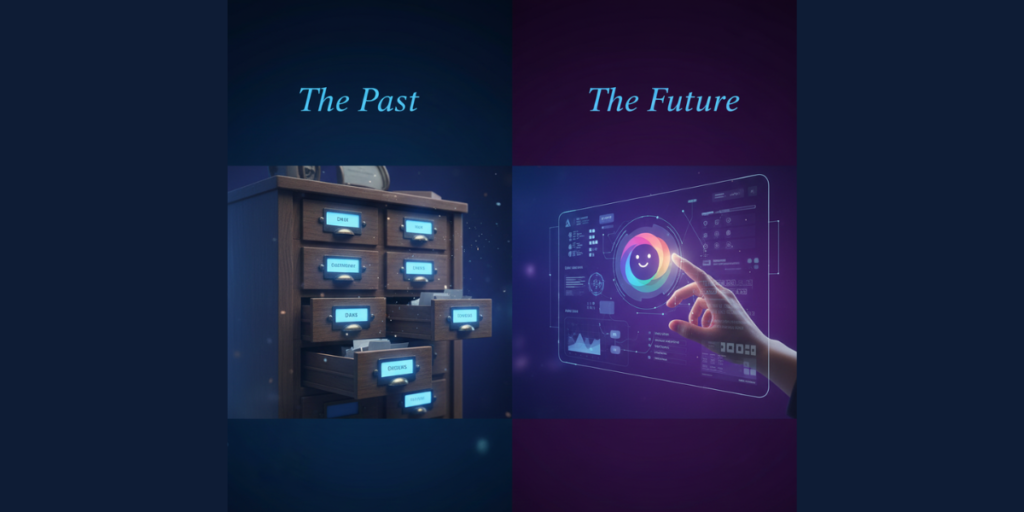
Think of old Google like a librarian who points you to the right book. New Google is more like a tutor who reads all the books and explains the answer in their own words.
This change is powered by Google’s AI called Gemini. It can think, reason, and combine information from many websites into one helpful response.
By late 2025, over 2 billion people every month were using these AI-powered search features. That’s a lot of people getting generative answers without clicking on websites!
The Two Big AI Features You Need to Know
Google AI search experience or AI engine now has two main AI search tools. Here’s AI mode and AI overviews, information, and how they’re different:
AI Overviews
These show up automatically at the top of search results. You don’t have to do anything special to see them.
Key facts about AI Overviews:
- They pop up on their own when Google thinks they’ll help
- This AI-driven search has taken up 67% to 75% of your screen
- They pull info from about 5-8 different websites
- They work like a quick summary or “highlights reel”
AI Mode
AI In Search is a separate search experience you choose to use. It’s built for deeper questions and back-and-forth conversations.
Key facts about AI tools and Modes:
- You have to turn it on yourself
- It remembers what you asked before
- It can handle harder, multi-step questions
- It uses Google’s most powerful AI brain (Gemini 3 Pro)

How Does AI Search Actually Work?
Here’s the simplified version of the tech behind all this.
Old Google vs New Google
Old Google, search engine optimization, and SEO, looked for exact word matches. If you searched “best SEO expert,” it hunted for pages with those exact words.
New Google understands what you mean. It turns your question into a math code (called a vector). Then it finds content with similar codes—even if the exact words don’t match.
This means Google now “gets” your intent, not just your words.
The “Query Fan-Out” Trick
When you ask one question, Google’s AI actually creates many smaller questions behind the scenes.
For example, if you search “Should I buy an electric car?”
Google might secretly also search for:
- Electric car battery life
- EV charging stations near me
- Electric car tax credits
- Best electric cars 2025
Then it combines all those answers into one big, helpful response.
This is great for users. But for website owners? It means your content needs to answer more than one question to get noticed.
Everything About Big December 2025 Update: What Happened?
Right before Christmas 2025 (December 11-29), Google rolled out a major update. SEO folks called it the “Core Before Christmas.”
This update shook things up across all of Google’s regular search, Discover, and AI summaries.
What Google Punished:
- Too many annoying ads
- Slow-loading pages
- Pop-ups that won’t close
- Videos you can’t skip
What Google Rewarded:
- Fast, smooth websites
- Happy user experiences
- Content people actually spend time reading
The bottom line? Google is watching how people interact with your site. If visitors get frustrated, your rankings drop including your chances of being cited by AI.
How Search Intent Is Changing?
In early 2025, most AI Overviews showed up for informational searches (like “What is climate change?”).
But by the end of 2025, things shifted dramatically:
| Type of Search | January 2025 | October 2025 |
| Informational | 91% | 57% |
| Commercial | 8% | 19% |
| Transactional | 2% | 14% |
| Navigational | 1% | 10% |
What does this mean?
AI is now answering shopping questions, product comparisons, and even branded searches. It’s not just for “what is” questions anymore.
This affects clicks. Some studies show a 61% drop in clicks for basic informational content. But here’s the flip side: people who do click from AI results often have stronger intent to buy or engage.
Which Industries Are Most Affected?
Not every business is hit the same way. Here’s where AI Overviews show up most:
| Industry | AI Overview Rate |
| Science | 26% |
| Tech & Electronics | 18% |
| People & Society | 17% |
| Food & Drink | 15% (growing fast) |
| Real Estate | Less than 1% |
Science and tech are most affected because they rely on facts and data, exactly what AI loves to summarize.
Food blogs should be worried. Google is now showing full recipes right in search results. Why click a link when the AI already gave you the ingredient list?
News sites have been hit hard too. Traffic from Google to major news outlets dropped from 51% to 27% in just two years
How to Win in AI Search: Your 2026 Playbook
Ready to optimize for this new world? Here’s what works.
1. Make Your Content Easy for AI to Read
Think of your content like building blocks. The AI should be able to grab small pieces and use them easily.
Tips:
- Start articles with a quick 50-70 word summary
- Use headers that ask questions (like “How much does solar installation cost?”)
- Answer the question right after the header
- Include specific numbers, stats, and data
- Keep sections short and focused
2. Build Trust and Authority (E-E-A-T)
Google still cares about:
- Experience: Have you actually done what you’re writing about?
- Expertise: Do you know your stuff?
- Authority: Do others recognize you as a leader?
- Trust: Is your info accurate and honest?

How to prove this:
- Use real author names with bios
- Include original photos (not just stock images)
- Get mentioned on trusted websites
- Update old content regularly
3. Get Your Technical Stuff Right
Some behind-the-scenes fixes make a big difference:
Speed matters:
- Your page should load in under 2.5 seconds
- Avoid layout shifts that frustrate users
Use schema markup:
- Add FAQ schema so Google can find your Q&A content
- Use HowTo schema for step-by-step guides
Don’t block AI crawlers:
- Make sure bots like GPTBot, PerplexityBot, and ClaudeBot can access your site
- Blocking them means you won’t appear in AI results at all
4. Optimize for Google Discover
Google Discover is the feed on your phone that suggests articles. It now includes AI summaries too.
To get featured:
- Use high-quality images at least 1200 pixels wide
- Add the “max-image-preview:large” tag to your site
- Avoid clickbait headlines
- Create original, sharp photos instead of generic stock images
5. Think Beyond Text
People now search with their voice, cameras, and even by circling things on their screen.
To capture these searches:
- Add detailed alt-text to all images
- Create video transcripts
- Make sure your content works for voice assistants
What’s Coming Next: The Future of Search
Looking ahead to 2026 and beyond, things get even more interesting.
Agentic AI Browsers
New tools like Perplexity’s Comet and Google’s Gemini-in-Chrome can browse the web for you. They read pages, compare options, and even complete tasks—all without you clicking a single link.
Right now, only about 3% of people use these tools. But that number will grow. And when it does, traditional website visits could drop even more.
Deep Research Mode
Google’s AI can now run dozens of searches over several minutes to answer really complex questions. It’s like having a research assistant work for you while you wait.
Conclusion: What This Means for You?
The old SEO(search engine visibility) game was about ranking on page one. The new game is about being the source the AI trusts and cites.
Here are your three main goals:
- Make your content scannable – Break it into small, clear chunks the AI can easily grab.
- Build real authority – Prove your expertise with original insights, real experience, and trustworthy signals.
- Show up everywhere – Don’t just optimize for traditional search. Be visible on Discover, YouTube, social platforms, and wherever people research topics.
Yes, traditional clicks are declining. But the clicks that do happen are more valuable. Those visitors have already done their research. They’re ready to take action.
Your goal isn’t to be one of ten blue links anymore. It’s to become the trusted source that AI relies on to build its answers.
The search world is changing fast. But if you adapt now, you can still win.